 ClawBox
Your AI assistant,
sandboxed and beautiful.
Run OpenClaw in an isolated VM with a native macOS experience. All the power, none of the risk.
The Problem with AI Assistants
Powerful tools shouldn't require dangerous tradeoffs.
Full System Access
Most AI assistants run directly on your machine with access to all your files, credentials, and data. One wrong command and things go sideways.
CLI Only
Powerful AI tools often require terminal knowledge. Not everyone is comfortable with command lines, and that shouldn't be a barrier.
ClawBox Solves Both
A beautiful native app that runs your AI in a sandboxed VM. Your assistant gets tools. Your system stays protected.
What People Are Saying
Early users are loving it.
"Finally I can use OpenClaw without worrying about it nuking my home directory. The VM isolation is genius."
"I showed this to my non-technical wife and she set it up herself in 5 minutes. That's never happened with any AI tool before."
"The Telegram integration is a game changer. I message my AI from my phone and it just works. Feels like magic."
"Been using Claude Code but was always nervous about giving it full access. ClawBox is the best of both worlds."
"Setup took longer to download than to configure. Literally clicked through 4 screens and I was chatting with my AI."
"I run multiple agents for different projects. One for coding, one for writing, one for research. ClawBox makes it seamless."
Everything You Need
A complete AI assistant experience, no compromises.
Isolated by Default
OpenClaw runs in a Linux VM. It can't touch your Mac unless you explicitly share files.
Native macOS App
Built with Tauri. Fast, lightweight, and feels right at home on your Mac.
Drag & Drop Files
Share images and documents with your AI by dragging them into the chat.
Multi-Channel
Connect Telegram, Discord, Slack, and more. Chat from anywhere.
Multiple Agents
Create different AI personalities for different tasks. Switch between them instantly.
Resource Control
Allocate exactly how much RAM and CPU your assistant gets. Stay in control.
See It in Action
Clean design, powerful features.
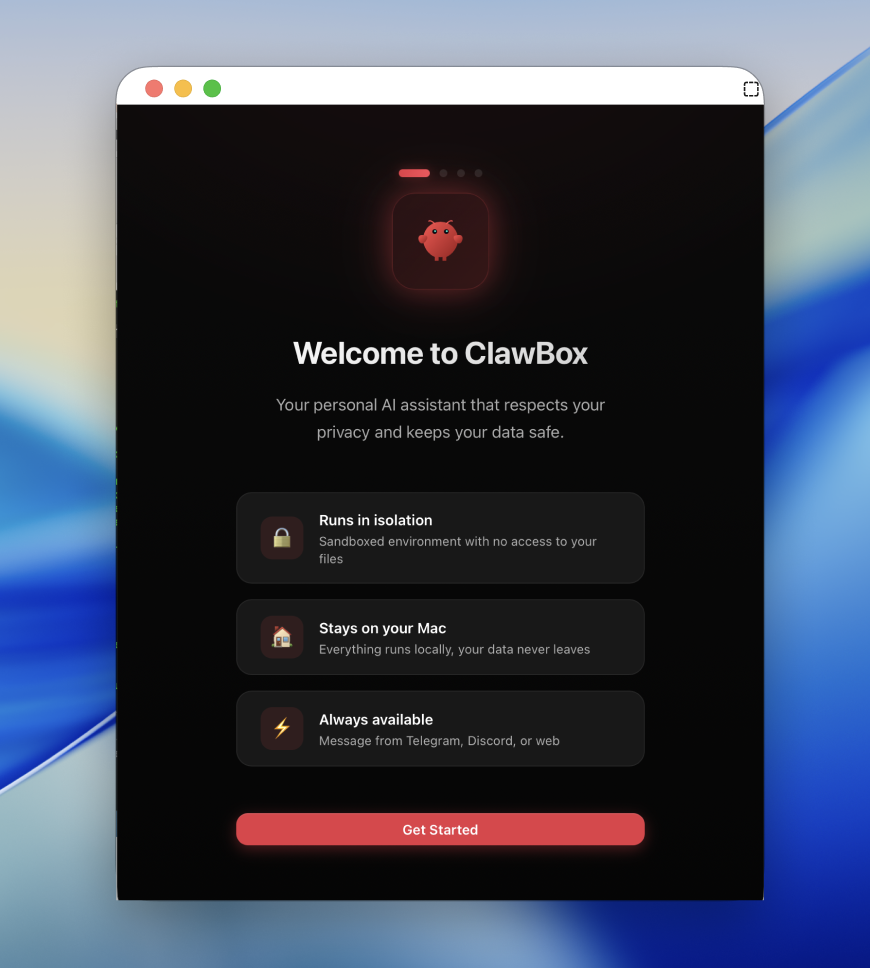
5-Minute Setup
No terminal. No config files. Just click.
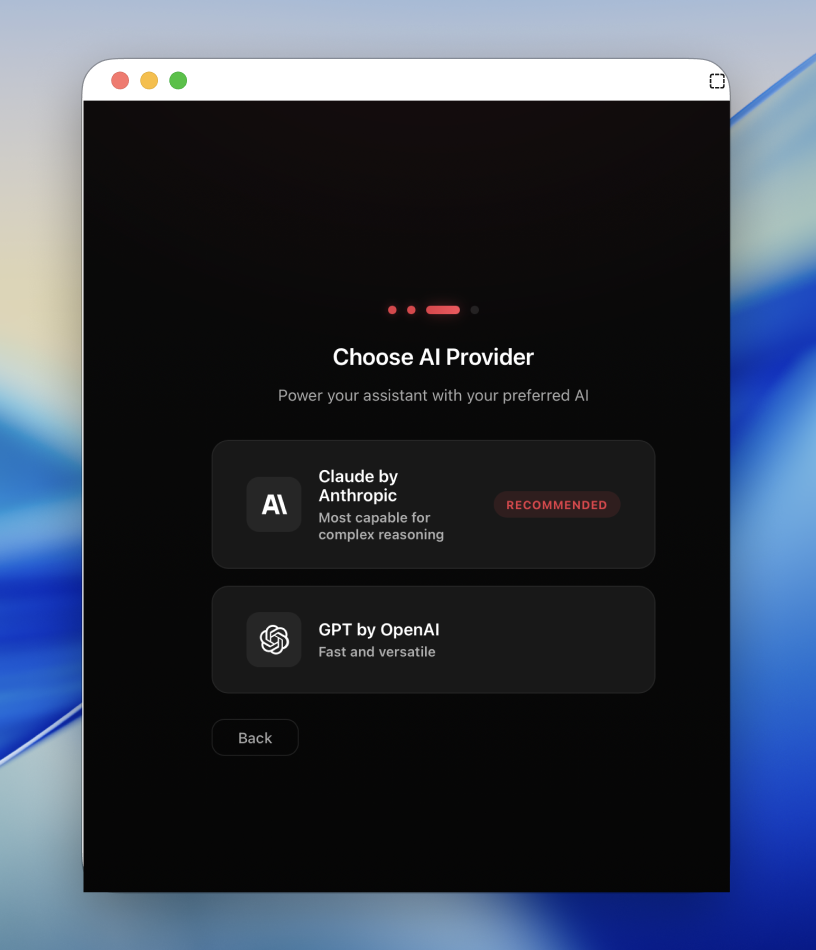
Bring Your Own Key
Claude or GPT—your choice.
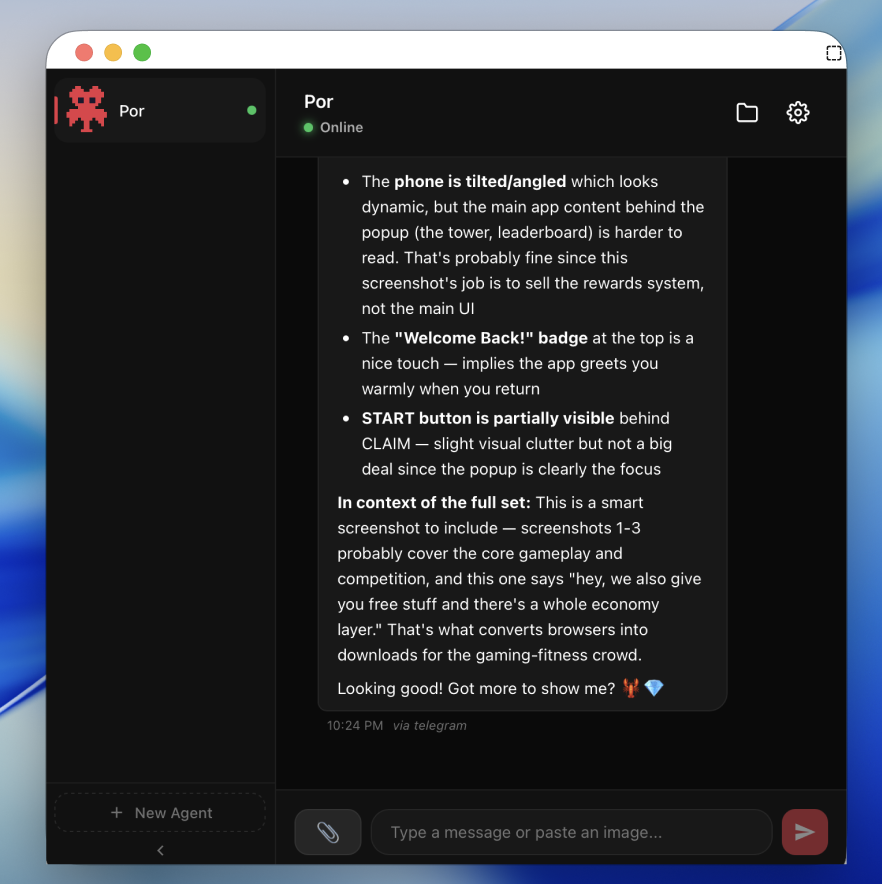
Native Chat
Markdown, code blocks, file downloads.
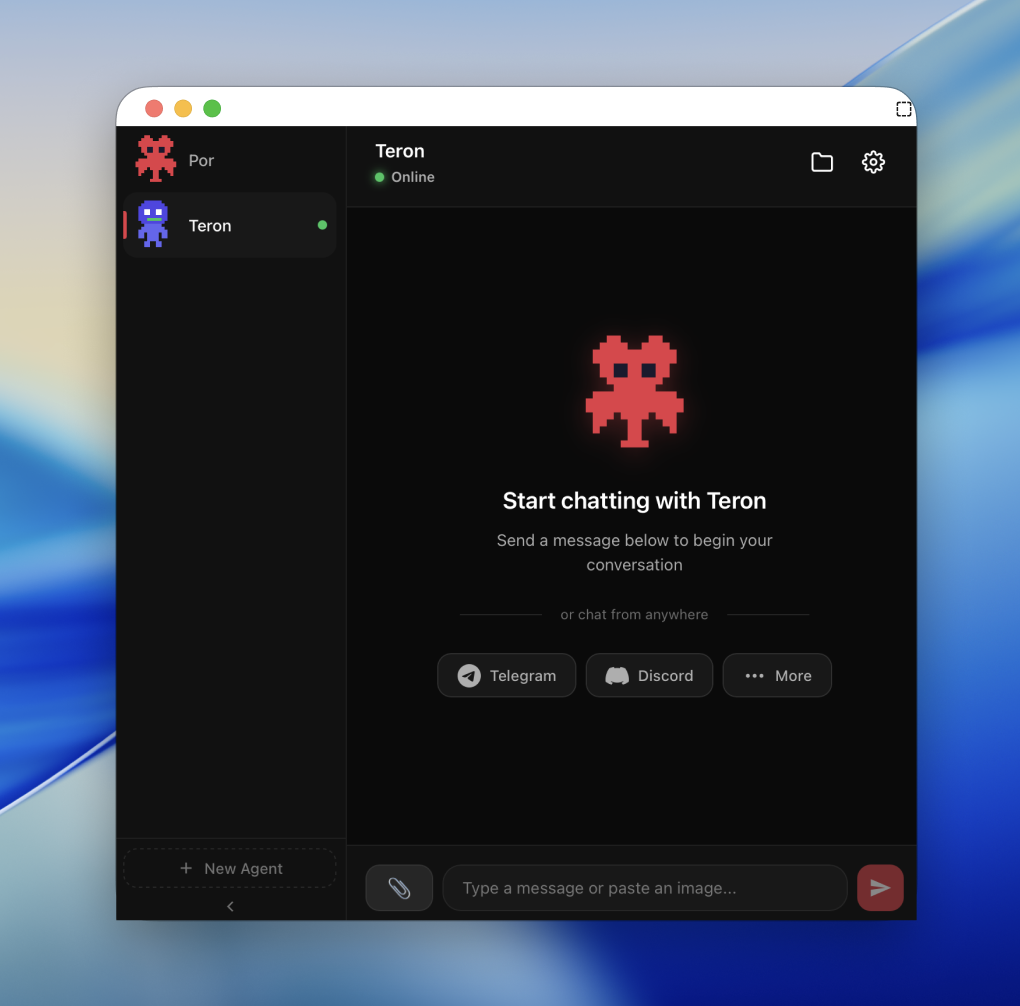
Multiple Personalities
Create agents for different tasks.
Download ClawBox
Free and open source. Get started in minutes.
Requirements: macOS 13.0 (Ventura) or later · 4GB+ RAM · 10GB disk space